


 Join our WhatsApp Group for Latest Updates
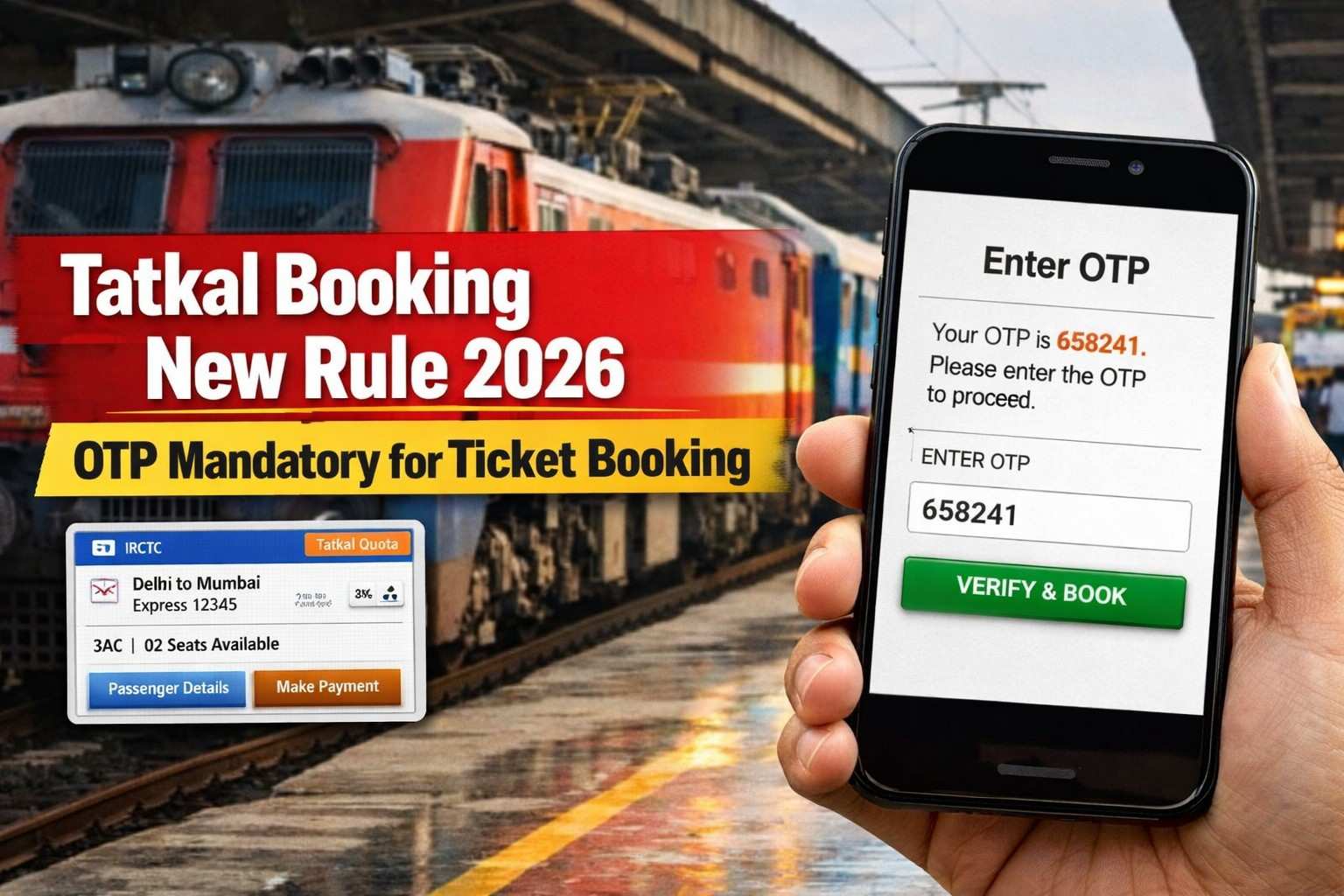
Tatkal Booking New Rule: Indian Railways has introduced a major change in the Tatkal ticket booking system. Now, OTP verification is compulsory when booking Tatkal train tickets through IRCTC or at railway reservation counters. know full details, read this article.
What Is the New Tatkal Booking Rule?
From December 1, 2025, anyone booking a Tatkal ticket must enter a One-Time Password (OTP) sent to their registered mobile number.
Without this OTP, the ticket will not be issued. Having said that, the mobile number linked to the IRCTC account must be active during the booking process.
Key Update: OTP Mandatory for Tatkal Booking
Indian Railways has made OTP (One-Time Password) verification compulsory for Tatkal ticket booking.
- When you try to book a Tatkal ticket, an OTP will be sent to your registered mobile number.
- The ticket will be confirmed only after entering this OTP.
- Without OTP verification, Tatkal tickets cannot be issued.
Related Article: PAN Card Update Using Aadhaar OTP: Update Photo & Signature from Your Mobile
When the Rule Started
- July 1, 2025: Aadhaar authentication required for Tatkal booking.
- July 15, 2025 onward: Aadhaar-based OTP verification became mandatory for Tatkal bookings online and offline.
This rule continues in 2026 with stricter verification and expansion to more trains and counters.
Where OTP Verification Applies
OTP verification is required for:
- IRCTC website
- IRCTC mobile app
- Railway reservation counters
- Authorized ticket agents
Passengers must enter the OTP sent to their mobile number before the ticket is issued.
Why This Rule Was Introduced
Indian Railways introduced OTP verification to:
- Stop agents and bots from bulk booking
- Prevent fake accounts and the black market
- Give genuine passengers a fair chance to book Tatkal tickets
- Improve security and transparency in ticket booking.
Important Advice for Passengers for Tatkal Booking New Rule
Before booking Tatkal tickets:
- Make sure Aadhaar is linked with your IRCTC account
- Keep your mobile number active to receive OTP
- Ensure a good network during booking time
Without OTP, the Tatkal booking process will not proceed.
How to Book a Tatkal Train Ticket Using Your Mobile
You can easily book a Tatkal railway ticket from your mobile using the official IRCTC Rail Connect app or the IRCTC website. Follow these simple steps.
Install the IRCTC App
Download the official app:
Available on Android (Google Play Store) and iPhone (App Store).
Log in to Your IRCTC Account
- Open the app
- Enter User ID and Password
- Complete captcha verification and login
If you do not have an account, create one on IRCTC.
Search Train
- Enter From Station
- Enter To Station
- Select Journey Date
- Tap Search Trains
You will see the list of available trains.
Select Tatkal Quota
When trains appear:
- Choose your train
- Select class (Sleeper / 3AC / 2AC etc.)
- Change Quota → Tatkal
Tatkal Booking Time
- AC Class: 10:00 AM
- Sleeper Class: 11:00 AM
Booking opens 1 day before the journey date.
Enter Passenger Details
Fill in:
- Name
- Age
- Gender
- Berth preference
- ID proof (Aadhaar recommended)
OTP Verification
Under the new rule:
- You will receive an OTP on your registered mobile number
- Enter the OTP to confirm the booking
Without OTP, the ticket will not be issued.
Make Payment
Choose payment method:
- UPI
- Debit Card
- Credit Card
- Net Banking
- Wallet
Once payment is successful, your Tatkal e-ticket will be generated.
Download Your Ticket
- Ticket will appear in My Bookings
- You can download or take a screenshot
- SMS ticket is also valid during travel.
Quick Tips for Fast Tatkal Booking
- Login 5 minutes before booking time
- Save passenger details in Master List
- Use UPI for faster payment
- Keep good internet speed
