





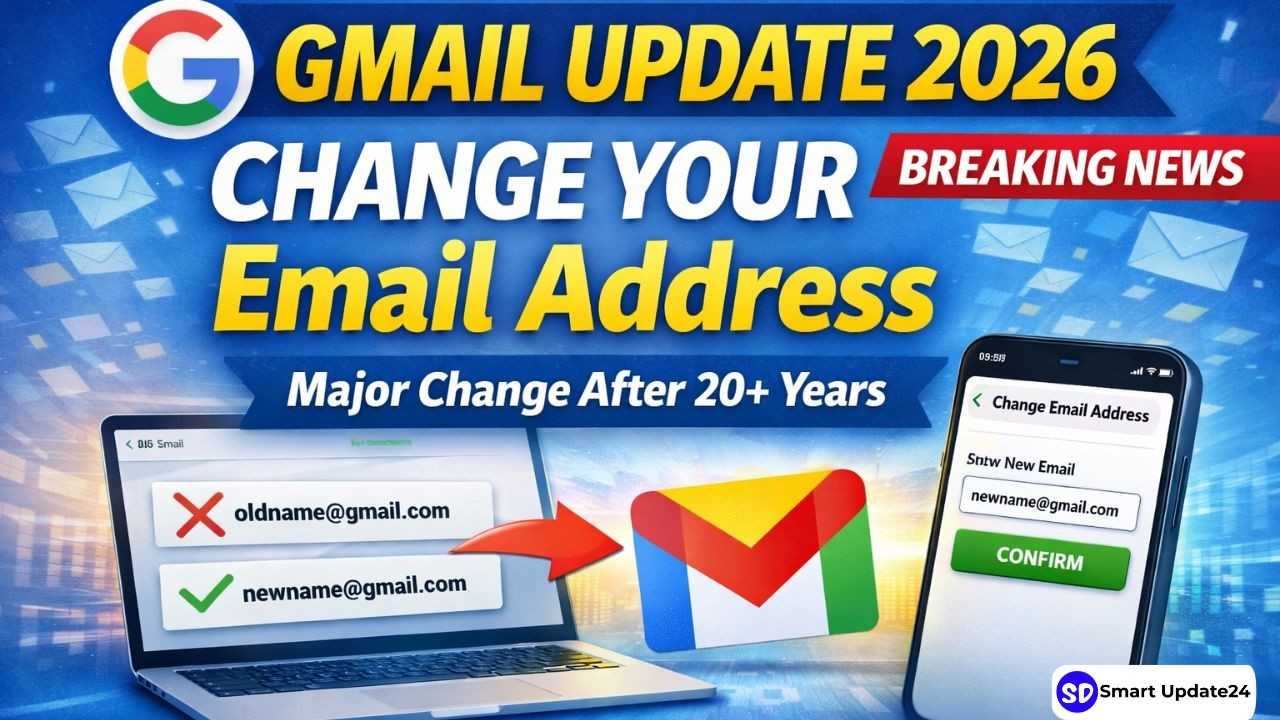
Google Gmail Email Address Change 2026: In a significant move, Google has finally introduced a feature that millions of users have been waiting for—the ability to change their Gmail email address without creating a new account. This update marks a major shift in how Gmail works, ending a long-standing limitation that has existed since its launch in 2004.
You asked, we delivered. If you’re a U.S. Google user, you can now change your account username to log in to tools like Gmail, Photos, Drive, and more — while keeping your emails, data, and account history. Here’s what to know:
1️ You can choose any available @ username.
2️ Your old username will become an alias, so you won’t lose access to it. You can still sign in and send and receive emails with both usernames. Plus, you can also revert to your old username.
3️ You can choose a new username once a year — up to three times total.
For over two decades, Gmail users were locked into their original email IDs, no matter how outdated or unprofessional they became. Now, Google has introduced a new feature that allows users to:
- Change the username (before @gmail.com)
- Keep the same Google account and all data intact
- Avoid creating a new account or migrating emails manually
This update is currently rolling out gradually and is already available to users in select regions.
Google Gmail Email Address Change 2026: Key Highlights of the New Gmail Feature
- Change Email Without Losing Data
Users can now update their Gmail address while keeping:
- Emails and inbox history
- Google Drive files
- Contacts, Photos, and other data
No data is deleted or transferred during the change.
- Old Email Address Still Works
Even after changing your Gmail ID:
- Your old email remains linked as an alternate address
- Emails sent to the old ID will still reach your inbox
This ensures a smooth transition without missing important messages.
- Only One Change Per Year
Google has added some limitations:
- You can change your Gmail address only once every 12 months
- New usernames must be unique and not previously used
This prevents misuse and maintains account security.
- No Need to Create a New Account
Earlier, users had to:
- Create a new Gmail account
- Manually transfer emails and data
Now, everything stays within the same account, saving time and effort.
Step-by-Step Process: How to Change Your Gmail Address?
Follow these simple steps:
- Open your Google Account settings
- Go to “Personal Info”
- Click on “Email” → “Google Account email.”
- Select “Change email address.”
- Enter a new available username
- Confirm the change
If the option is not visible, the feature may not yet be available for your account.
How to: Change Your Gmail Username
For accounts where this feature is enabled, the process is quite simple. The steps to follow are outlined below:
- While logged into your Gmail account, locate your profile picture on the right side of the screen. Clicking on it will reveal a menu, at the very top of which you will see “Manage your Google Account.”
- From there, click on “Personal info” in the menu on the left, and then select the “Email” option.
- Under the “Google Account email” option, tap the “Change Google Account email” button to initiate the process of changing your username. If the renaming feature is enabled for your account, you will see a pencil (edit) icon next to your Gmail address.
- Enter your account password and complete any necessary “two-step verification” steps to proceed.
- Type in your desired new username. Google will instantly (in real-time) verify whether the name is available for use.
- Save your new address. This change takes effect immediately across Gmail and all other services linked to your Google account. Once the process is complete, your old Gmail address will automatically be treated as an “alias,” and your account will continue to function exactly as before.
Why This Update Matters
This change solves a real problem faced by users worldwide:
- Many people created email IDs years ago that are now unprofessional or irrelevant
- Life changes like marriage, career shifts, or rebranding require updated identities
- Businesses and professionals can now maintain a clean digital presence
According to recent reports, this update is one of Gmail’s biggest usability improvements in years.
Important Things to Keep in Mind
Before changing your Gmail address, consider:
- You may need to update login details on websites and apps
- Some services using “Sign in with Google” may require re-verification
- Your old email cannot be used by others and remains tied to your account
Related Article: YouTube on Android Auto Features 2026 | Limitations and What You Need to Know