


Close Menu
Smart Update24Smart Update24

    Subscribe to Updates

    Subscribe to Smart Update24 to get the latest updates on Government Schemes, Jobs, and Scholarships directly in your inbox. Stay updated, stay ahead

    Braking News

    Income Tax Rules 2026 explained: PAN, HRA, perks and more

    March 5, 2026

    WB Senior Citizen Card 2026: How to Apply Online for Your Parents

    March 3, 2026

    West Bengal New Scheme 2026: Complete Details on Benefits, Eligibility and How to Apply

    March 2, 2026

    SIR Status Check online : How to check your name in final voter list

    March 1, 2026
    Facebook X (Twitter) Instagram WhatsApp
    Thursday, March 5
    Facebook X (Twitter) Instagram Pinterest WhatsApp
    Smart Update24Smart Update24
    • Home
    • Breaking News
      • Technology
    • Education
      • Suggestion
      • Scholarship
    • Jobs
    • Scholarship
    • Govt Updates
    • Results & Admit Card
    Smart Update24Smart Update24
    Home » PAN Card Update Using Aadhaar OTP: Update Photo & Signature from Your Mobile
    Government Updates

    PAN Card Update Using Aadhaar OTP: Update Photo & Signature from Your Mobile

    Syed Mosharaf HossainBy Syed Mosharaf HossainMarch 5, 2026Updated:March 5, 2026No Comments3 Mins Read
    Share Facebook Twitter LinkedIn WhatsApp Copy Link
    PAN Card Update
    PAN Card Update
    Share
    Facebook Twitter Telegram WhatsApp
    Join our WhatsApp Group for Latest Updates
    Join Now

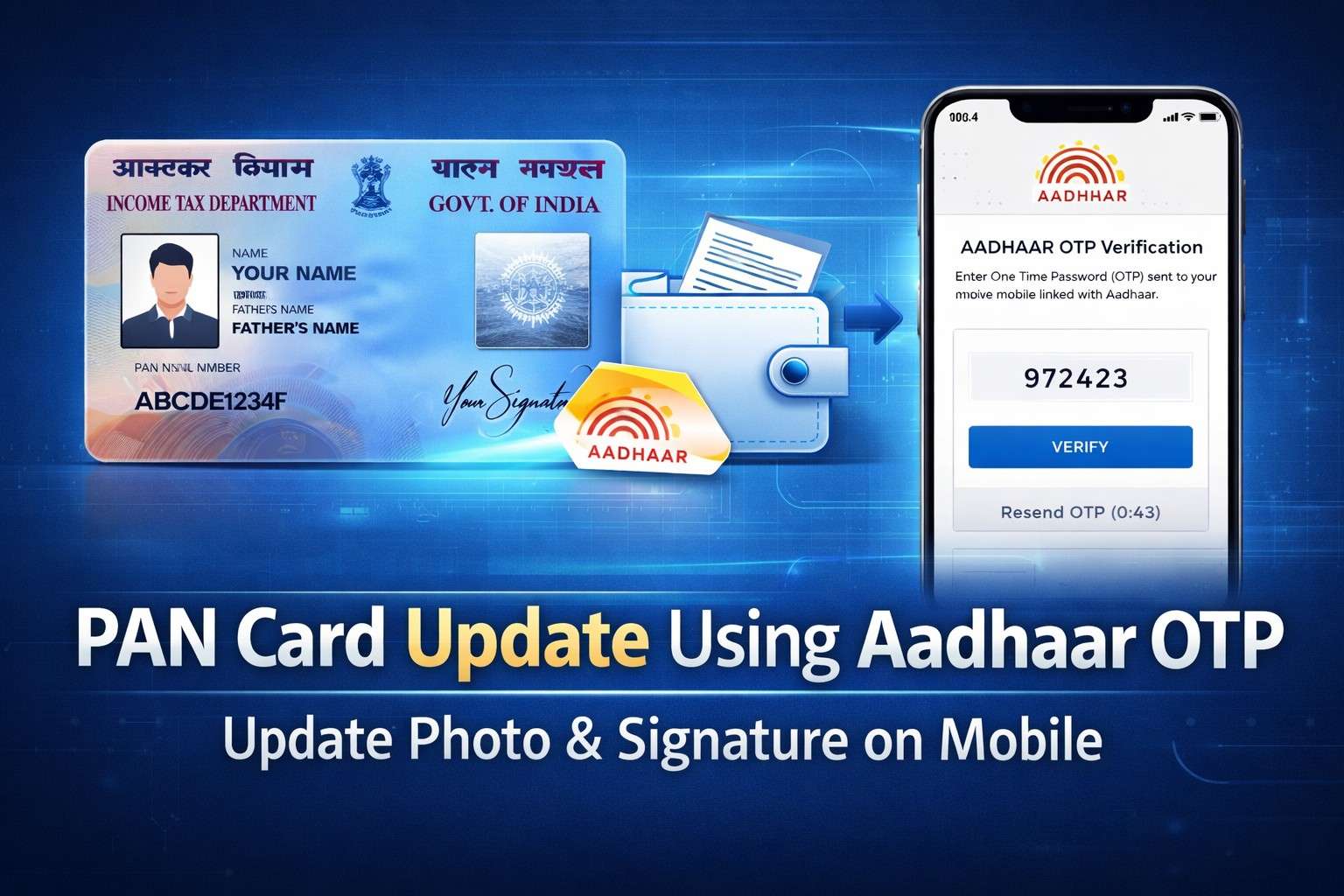
    PAN Card Update: Updating your PAN card details has become much easier in 2026. Now you can update your PAN card using Aadhaar OTP directly from your mobile without visiting any office. Through the official online portal, you can correct personal details and even update your photo and signature digitally. In this article, Smart Update24 provided all the information regarding this. This process is fast, secure, and usually takes only a few minutes.

    Table of Contents

    Toggle
    • What You Can Update in PAN Card Online
    • Requirements Before Updating PAN Card
    • Step-by-Step Process to Update PAN Card Using Aadhaar OTP
      • Step 1: Visit the Official PAN Portal
      • Step 2: Enter PAN Details
      • Step 3: Select Aadhaar OTP Verification
      • Step 4: Upload Photo and Signature
      • Step 5: Review and Submit
      • Step 6: Pay the Update Fee
    • How Long Does PAN Update Take?
    • How to Track PAN Update Status
    • Important Tips
      • Conclusion

    What You Can Update in PAN Card Online

    Using the PAN correction facility, you can update several details:

    • Photo update
    • Signature update
    • Name correction
    • Date of birth correction
    • Address change
    • Father’s name correction
    • Mobile number and email update

    Most updates require Aadhaar-based OTP verification.

    Requirements Before Updating PAN Card

    Before starting the update process, keep the following ready:

    • PAN Card number
    • Aadhaar Card linked with mobile number
    • Mobile phone for OTP verification
    • Passport-size photo (JPEG format)
    • Signature image (JPEG format)
    • Internet connection

    Step-by-Step Process to Update PAN Card Using Aadhaar OTP

    Step 1: Visit the Official PAN Portal

    Go to the official PAN update portal:

    • https://onlineservices.proteantech.in/paam/endUserRegisterContact.html
      or

    • https://www.pan.utiitsl.com

    Choose the PAN Correction / Update option.

    Step 2: Enter PAN Details

    Fill in basic information such as:

    • PAN Number
    • Name
    • Date of Birth
    • Mobile Number
    • Email ID

    Step 3: Select Aadhaar OTP Verification

    Choose Aadhaar e-KYC authentication.

    You will receive an OTP on the mobile number linked with Aadhaar.

    Enter the OTP to verify your identity.

    Step 4: Upload Photo and Signature

    Now upload the required documents:

    Photo requirements

    • Recent passport-size photo
    • White background
    • JPEG format
    • Usually under 50 KB

    Signature requirements

    • Clear signature on white paper
    • JPEG format
    • Small file size (around 20 KB)

    Step 5: Review and Submit

    Check all details carefully before submission.

    You will receive an Acknowledgement Number to track your request.

    Step 6: Pay the Update Fee

    Typical charges:

    • ₹106 – ₹110 for Indian address
    • ₹1,020 approx for foreign address

    Payment methods include:

    • UPI
    • Debit / Credit Card
    • Net Banking

    Read More: Income Tax Rules 2026 explained: PAN, HRA, perks and more

    How Long Does PAN Update Take?

    After submission:

    • Processing usually takes 7–15 days
    • Updated PAN card is sent to your registered address
    • You can also download e-PAN online

    How to Track PAN Update Status

    Use the acknowledgement number on the portal:

    • NSDL PAN Status Check
    • UTIITSL PAN Status Check

    Enter your acknowledgement number and PAN to see the update progress.

    Important Tips

    • Make sure Aadhaar is linked with PAN before updating.
    • Use clear photo and signature images to avoid rejection.
    • Always apply through official portals only to prevent fraud.

    Conclusion

    Updating your PAN card using Aadhaar OTP on mobile is a quick and convenient process. Whether you need to change your photo, update your signature, or correct personal details, the online system allows you to complete everything from home within minutes.

    Share. WhatsApp Facebook Twitter LinkedIn Telegram
    Previous ArticleiPhone 17, iPhone 17 Pro, iPhone 17 Pro Max Prices in India, UAE, US, Canada, Singapore & Australia (March 2026)
    Next Article Paschim Bardhaman CMOH Recruitment 2026 : Apply Online for 22 Posts
    Syed Mosharaf Hossain
    • Website
    • Facebook
    • X (Twitter)
    • LinkedIn

    Syed Mosharaf Hossain is the Founder and Editor-in-Chief of Smart Update24. He currently serves as the Principal of Purbasthali-II Government Industrial Training Institute (ITI), West Bengal. With experience in education and skill development, he writes about education updates, government schemes, and job notifications to help readers understand official information clearly

    Related Posts

    Government Updates

    Income Tax Rules 2026 explained: PAN, HRA, perks and more

    March 5, 2026
    Government Updates

    WB Senior Citizen Card 2026: How to Apply Online for Your Parents

    March 3, 2026
    Government Updates

    West Bengal New Scheme 2026: Complete Details on Benefits, Eligibility and How to Apply

    March 2, 2026
    Add A Comment
    Leave A Reply Cancel Reply

    Smart Update24 News Banner
    Top Posts

    WB Senior Citizen Card 2026: How to Apply Online for Your Parents

    March 3, 202617 Views

    India to Bangladesh Bus Service Restarts | Book Online Ticket AC Bus

    March 3, 202610 Views

    RRB Group D Recruitment 2026 for 22000 Vacancies ITI /10th Pass

    January 2, 202610 Views
    Latest Reviews
    Smart Update24 News Banner
    Most Popular

    WB Senior Citizen Card 2026: How to Apply Online for Your Parents

    March 3, 202617 Views

    India to Bangladesh Bus Service Restarts | Book Online Ticket AC Bus

    March 3, 202610 Views

    RRB Group D Recruitment 2026 for 22000 Vacancies ITI /10th Pass

    January 2, 202610 Views
    Our Picks

    R. N. Ravi Appointed as the New Governor of West Bengal

    March 5, 2026

    Paschim Bardhaman CMOH Recruitment 2026 : Apply Online for 22 Posts

    March 5, 2026

    PAN Card Update Using Aadhaar OTP: Update Photo & Signature from Your Mobile

    March 5, 2026

    Subscribe to Updates

    Subscribe to Smart Update24 to get the latest updates on Government Schemes, Jobs, and Scholarships directly in your inbox. Stay updated, stay ahead

    Facebook X (Twitter) Instagram YouTube LinkedIn WhatsApp RSS
    • About Us
    • Author Profile
    • Contact Us
    • Privacy Policy
    • Terms & Conditions
    © 2026 Smart Update24. All Rights Reserved.

    Type above and press Enter to search. Press Esc to cancel.