




YouTube on Android Auto Features 2026: In a long-awaited move, YouTube has started rolling out support for Android Auto. However, the feature arrives with significant limitations that may surprise many users expecting a full in-car video experience.
Instead of turning your car screen into a YouTube player, Google has taken a cautious approach—focused entirely on safety and minimal distraction.
What’s New: YouTube on Android Auto Features
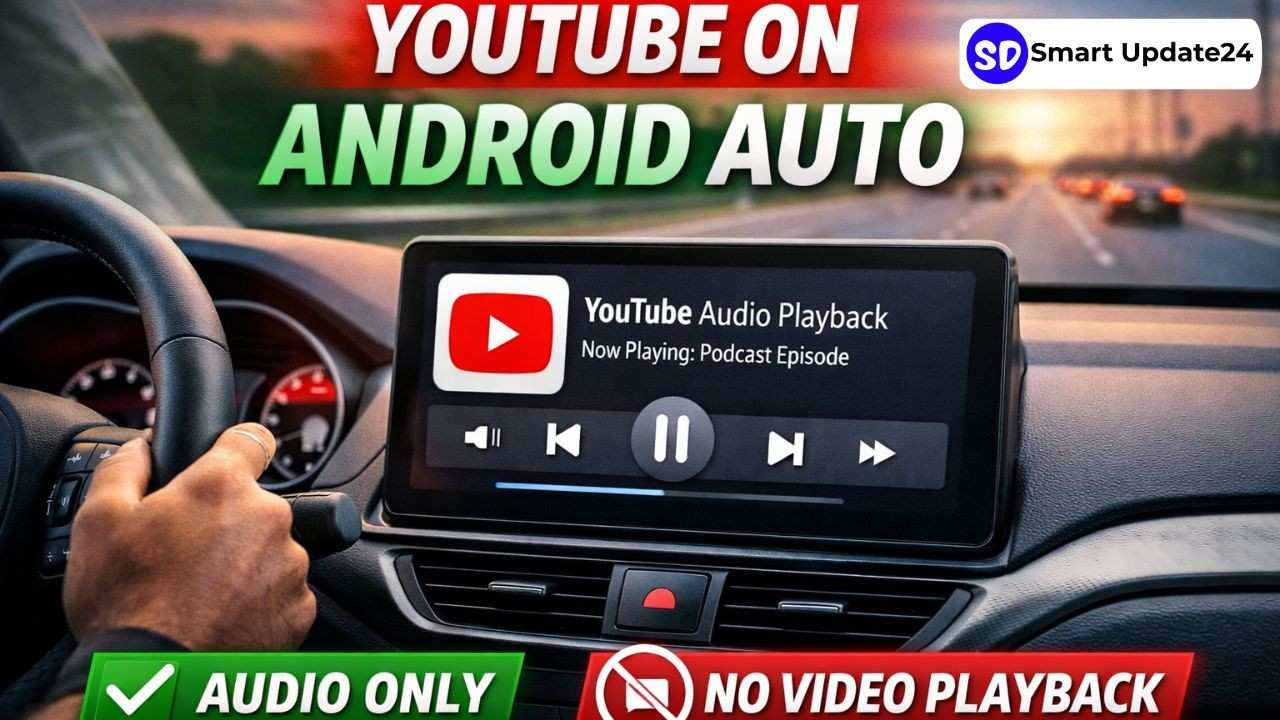
The latest update introduces basic playback controls for YouTube within Android Auto’s interface. This means users can now manage audio from YouTube videos directly from their car dashboard.
Key features include:
- Play and pause YouTube content
- Skip to the next video
- Control playback using steering wheel buttons
- View YouTube inside the media widget
Unlike earlier workarounds, this is official support, making the experience smoother and safer for drivers.
Audio-Only Experience: No Video Playback
Here’s the biggest limitation:
You cannot watch videos on Android Auto.
- No video playback on the car screen
- No browsing or search interface
- No full YouTube app
Instead, YouTube works like a background audio service, similar to music or podcasts.
This decision is largely driven by driver safety concerns, as video playback could distract users while driving.
Works Only with YouTube Premium
Another important condition is that this feature is not available for free users.
To use YouTube on Android Auto, you need:
- A YouTube Premium subscription
- Background playback enabled
Without Premium, the feature simply won’t function, since background audio is a paid feature.
Related Article: Stock Market Holiday List 2026 | Full NSE & BSE Calendar with All Dates
YouTube on Android Auto Features: How It Actually Works
YouTube does not run as a standalone app on Android Auto. Instead:
- It connects to your smartphone
- Appears inside the car’s media controls
- Plays whatever is already running on your phone
In simple terms, it’s more like remote control access than a full app experience.
DOWNLOAD YouTube APP: https://play.google.com/store/apps/details?id=com.google.android.youtube&hl=en_IN
Why This Limited Approach?
Google’s strategy is intentional. Android Auto is designed to reduce distractions, not increase them.
Android Auto already supports navigation, calls, and music—features that can be safely used while driving. Video streaming does not fit that model.
However, reports suggest that Google has not ruled out future expansion, especially for video playback when the car is parked.
YouTube on Android Auto Features: Who Benefits from This Update?
Despite its limitations, this feature is still useful for:
- Podcast listeners on YouTube
- Long-form interviews and discussions
- Educational or talk-based content
- Music videos played as audio
Many users already use YouTube this way, so the update improves convenience without compromising safety.
What’s Missing (For Now)
Here’s what users are still waiting for:
- Full YouTube app on Android Auto
- Video playback (especially when parked)
- Search and recommendations
- Playback controls like rewind/forward within a video
Currently, even skipping is limited—it jumps to the next video, not forward within the same one.
Future Possibilities
Google has hinted at broader media and video app support for Android Auto in the future. If that happens, we could see:
- Video streaming support when parked
- Dedicated app interfaces
- Better content navigation
For now, this update feels like a first step rather than a final product.
Final Verdict
YouTube’s arrival on Android Auto is important—but it’s not what most users expected.
Pros:
- Safer, distraction-free integration
- Easy audio control while driving
- Useful for podcasts and long content
Cons:
- No video playback
- Requires YouTube Premium
- Limited controls and functionality
In short, this update is practical—but still far from a complete in-car YouTube experience.